Module introduction
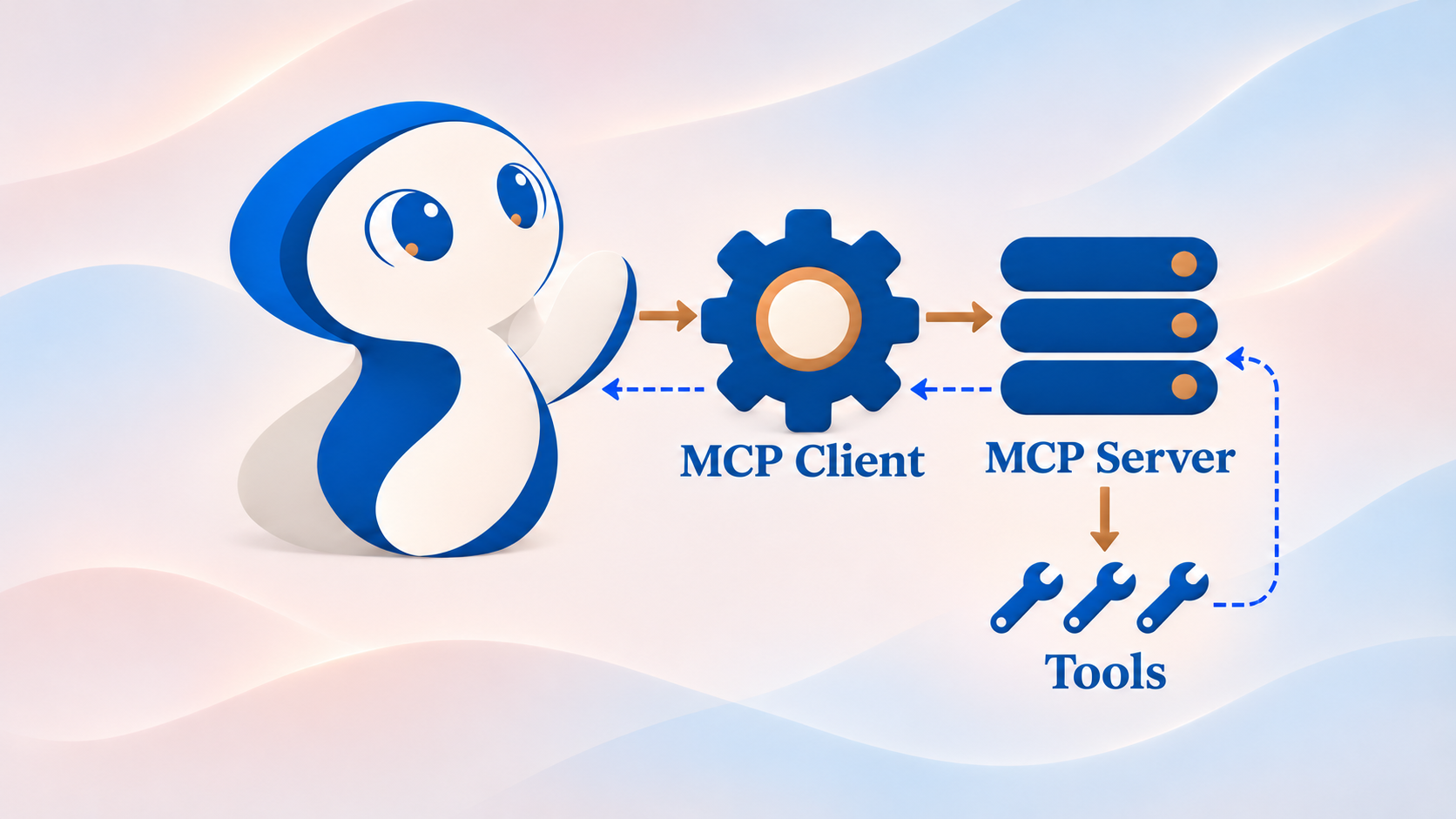
In Module 2, the Research Agent’s tools lived in its own application or on the platform. In this module, you’ll connect it to tools provided by a separate program, using the Model Context Protocol (MCP): a standard way for AI applications to discover and invoke capabilities exposed by an external server.
MCP doesn’t replace the agent framework. The Agents SDK still runs the agent and the model still chooses which tool to request; the MCP server, which isn’t an LLM, describes and runs its tools. You’ll build a local research server, connect to it over stdio, and inspect the results.
What you’ll learn
- How MCP differs from tools defined in the application’s own code.
- The roles of the MCP host, client, and server.
- How an agent discovers MCP tools and their input schemas.
- How to build a local MCP server, connect the agent, and inspect its tool calls.
Lessons
- 1Why MCP?2 min
- 2Local MCP ArchitectureHow an MCP client connects to a local server over stdio and discovers its tools, descriptions, and input schemas.2 min
- 3Building Our MCP Research Server2 min
- 4MCP Tool Discovery and ExecutionConnect the Research Agent to the MCP server, then inspect tool selection, tool calls, and tool results.4 min